 Call us 02381550266
 contact@websqr.co.uk
 The Website Agency
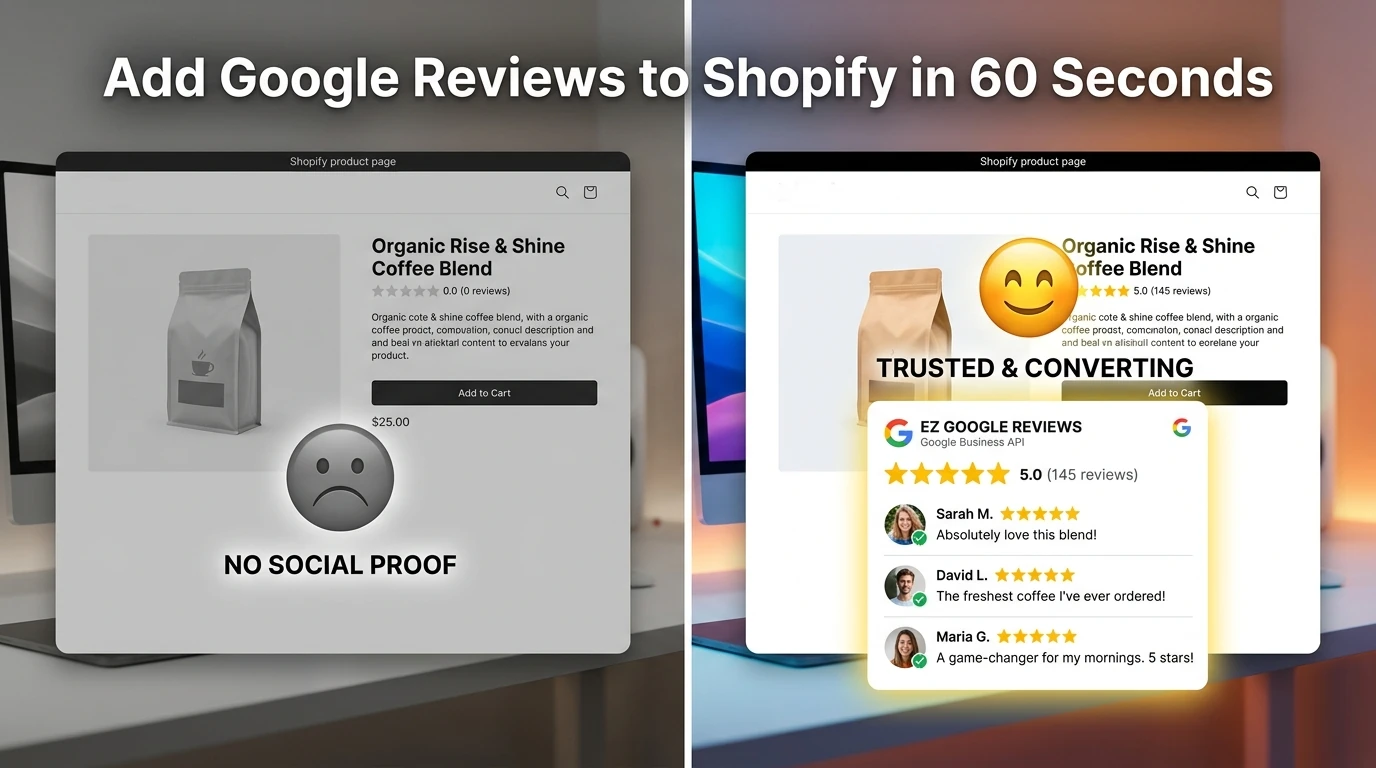
Displaying Google Reviews on your Shopify store is no longer just “nice to have”—it is a conversion requirement. In 2026, e-commerce has shifted to an Evidence-First model, where verified peer social proof can increase conversion rates by up to 270%.
This guide covers the three ways to integrate Google Business Reviews (via API) and Google Customer Reviews into your Shopify storefront.
1. Google Business Reviews vs. Google Customer Reviews
Before you start, you must identify which “Google Reviews” you need. Most merchants need both:
| Feature | Google Business Reviews (Local) | Google Customer Reviews (Merchant Center) |
| Source | Your Google Business Profile (Maps) | Post-purchase surveys via Google |
| Best For | Building overall brand trust & local SEO | Getting the “Google Seller Rating” (Stars in Ads) |
| Integration | Requires API (EZ Google Reviews) | Requires Thank You page opt-in |
| Why use it? | Shows real customer faces and stories | Essential for Google Shopping performance |
2. Method 1: The API Integration (Recommended)
This is the most professional way to display reviews. Using an API (Application Programming Interface) ensures your reviews stay synced in real-time without slowing down your site.
Why the API Method Wins:
- Auto-Sync: New 5-star reviews appear automatically.
- SEO Rich Snippets: Properly formatted API data tells Google’s bots to show “Star Ratings” in search results.
- Zero Latency: Unlike “scrapers” or iframes, API-driven widgets like EZ Google Reviews load via the Shopify CDN, preserving your Core Web Vitals.
3. Method 2: Google Customer Reviews (Post-Purchase)
If you want the “Google Badge” that says “Google Customer Reviews,” you must enable it in your Google Merchant Center.
Note for 2026: Shopify’s new checkout security (extensibility) has made manual code snippets for the “Thank You” page difficult for non-Plus merchants.
- The Fix: Use a dedicated app like EZ Google Reviews that is compatible with Shopify Checkout Extensibility to ensure the “Opt-in” popup still appears after a customer buys.
4. Method 3: Manual “Embed” (Not Recommended)
You can manually copy/paste an iframe code from Google Maps, but this is problematic for Shopify stores:
- Manual Work: You have to update it every time you get a new review.
- Design: You cannot change the fonts or colors to match your brand.
- Speed: These scripts are often heavy and can lower your Lighthouse SEO score.
5. Frequently Asked Questions (FAQ)
Google users often search for these specific questions. Here is everything you need to know about Google reviews in Shopify.
How do I add Google Reviews to my Shopify store?
The most efficient way to add Google Reviews to Shopify is by using an app like EZ Google Reviews. It connects to the Google Business Profile API to automatically sync and display your 5-star reviews on your storefront via a customizable widget, requiring no manual coding or API key management on your part.
Can I show Google Business Reviews on Shopify for free?
While you can manually screenshot reviews or attempt to embed a basic Google Maps iframe for free, these methods are not dynamic. They won’t update automatically when you get new feedback and can significantly slow down your site. Using an API-based Shopify app is the professional standard for keeping reviews synced and SEO-optimized.
Do Google Reviews help Shopify SEO?
Yes. Displaying Google Reviews via an app that supports JSON-LD schema allows search engines to read your review data as “Structured Data.” This can result in “Star Ratings” appearing next to your store in Google Search results (Rich Snippets), which significantly increases your organic click-through rate.
What is the difference between Google Business Reviews and Google Customer Reviews?
Google Business Reviews are tied to your local business profile and appear on Google Maps; they are great for building brand trust. Google Customer Reviews is a Merchant Center program that collects post-purchase feedback via a popup to display a “Google Seller Rating” badge on your site and in your Google Shopping ads.
Will adding a Google Review widget slow down my Shopify site?
It depends on the app. EZ Google Reviews is specifically optimized for Shopify 2.0 and loads via the Shopify Content Delivery Network (CDN). This ensures that your “Core Web Vitals” and page load speeds remain high, which is critical for both customer experience and maintaining your Google rankings.
Why Choose EZ Google Reviews?
We built EZ Google Reviews specifically to solve the “API Headache.” Instead of managing Google Cloud Console projects yourself, our app handles the heavy lifting.
- 1-Minute Setup: No coding required.
- Verified API Partner: Safe, secure, and always up to date.
- Custom CSS: Make your reviews look like they were custom-coded for your theme.
Ready to boost your store’s trust? Install EZ Google Reviews on the Shopify App Store